
Your shopping cart


Interwood 1800 Semi Standard 18" Manual Typewriter
- Regular price
- ₱11,350.00
- Sale price
- ₱11,350.00
- Regular price
-
₱11,350.00 - Unit price
- per
Increase your typing efficiency through use of the most advance technology ! - Shift Lock Key, Tab Setting, Backspace Function - - With a soft cloth cover to keep away...
Sku: SBMCIInterwood1800
Availability: In Stock
Couldn't load pickup availability
Shipping & Returns
Free shipping and returns available on all orders!
We ship all US domestic orders within 5-10 business days!
Share
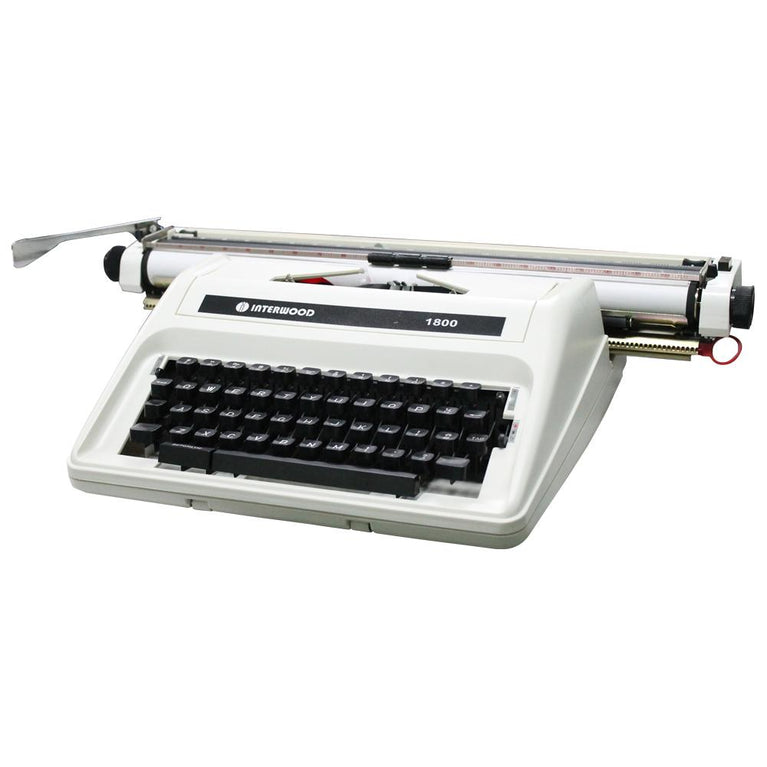
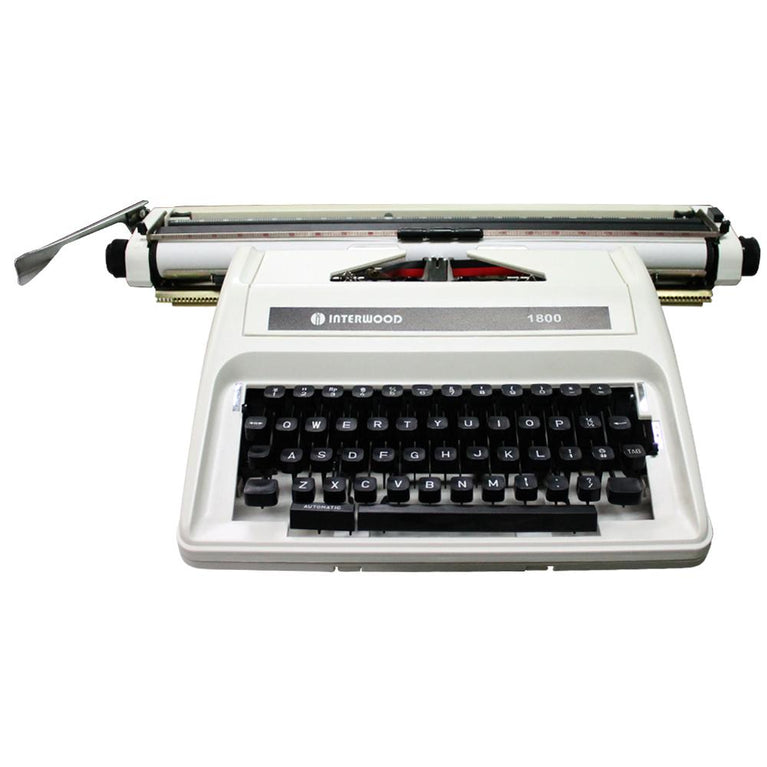
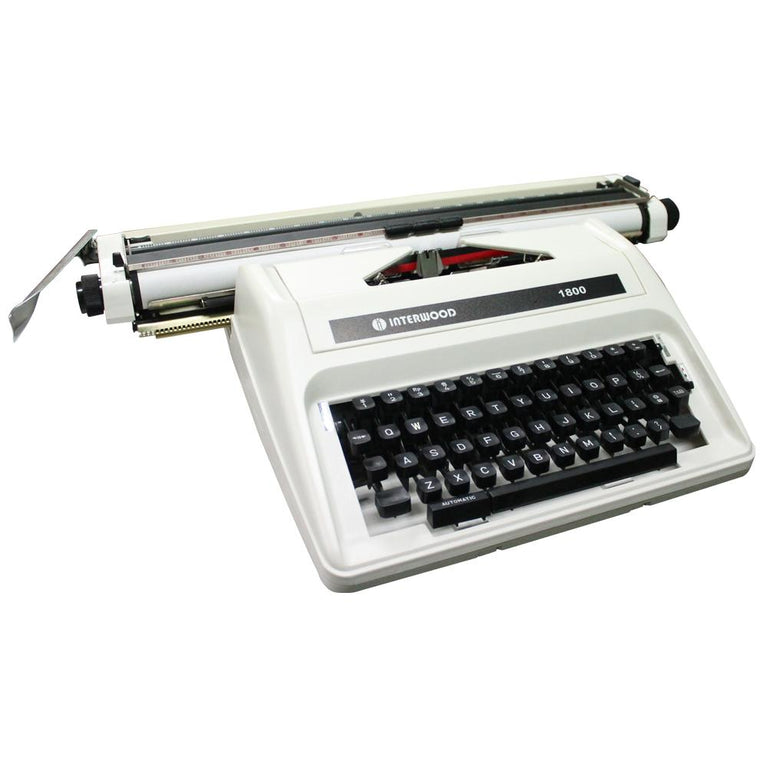
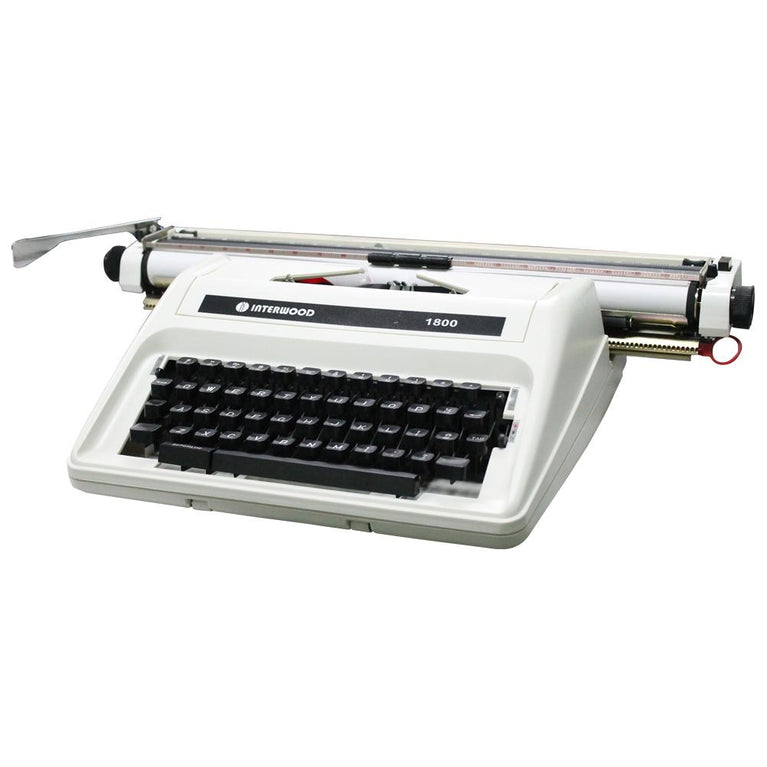
Increase your typing efficiency through use of the most advance technology !
- Shift Lock Key, Tab Setting, Backspace Function
-
- With a soft cloth cover to keep away from dust.
Specifications and Details
GENERAL
44 Keys ( ENGLISH ) Elite types
Carriage Length 17.8” (445 mm)
Max. Typing Width 440mm
Max. Paper Width 460mm
Line Space Selector 1/1½ / 2 / R (platen release)
Color Ribbon Selector RED / STENCIL / BLACK
Impression Control L=Light ; H-Heavy
Left/Right Margin Margin Setter
Packing Each Unit / Carton
Net Weight 5.9kgs
Gross Weight 7.5kgs
Dimensions (W x D X H) 600 x 400 x 190 mm
Peso Sign N/A
Ribbon Type Regular/Standard Model of Manual Typewriter
INSIDE THE BOX:
1 x Interwood 18" Semi-Standard Manual Typewriter
1 x Cloth Cover
1 x Instructions for Unpacking and Operating Instructions
1 x Set of Ribbon
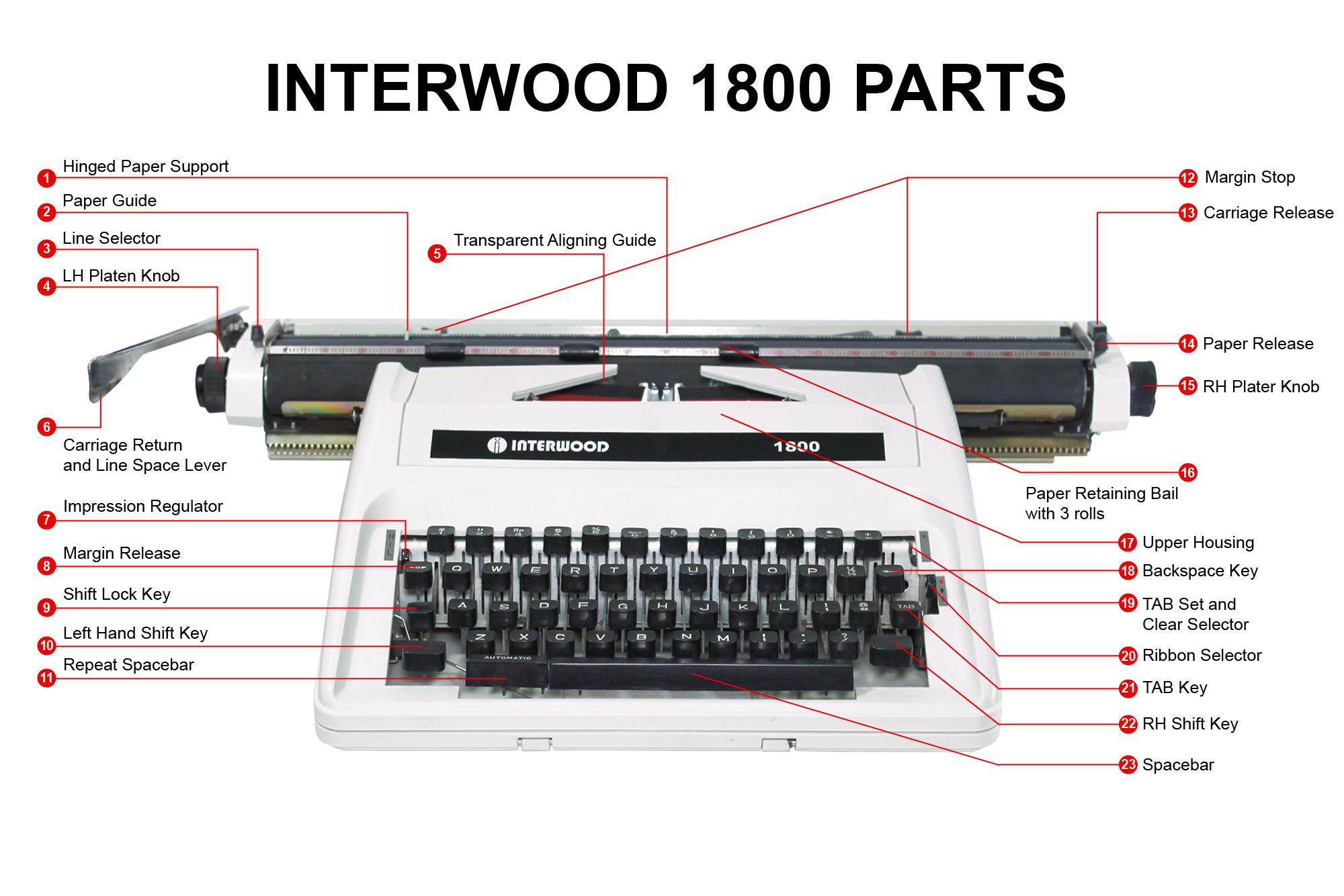
Setting-up the machine
1.
2. When inserting a sheet of paper, keep the left hand edge in contact the paper guide.
3. 1, 1 1/2 and 2 line settings. Setting 'R' platen release.
4. Press center of knob to obtain fine alignment.
5. To simplify insertion and lining-up of paper, the alignment of the lines, and the drawing of vertical and horizontal lines using a pencil.
6. . For the selection of the next line with the simultaneous return of the carriage.
7. For the selection of the impression.
H=Heavy impression
L=Light impression
8. For the overriding of the selected margins on either side.
9. For the typing of capitals.
10. For the typing of individual capital letters.
11. For the fast travel of the carriage to the left.
12. For the selection of the left hand and right hand margins. Press down to slide into position.
13. For the manual movement of the carriage in both directions.
14. To release the pressure on and to align the paper.
15.
16. Paper retaining bail with three rolls to retain the paper in the selected position.
17. To remove, lift at the sides.
18. To return the carriage the width of a character.
19. For the setting of a tab stop move to the '+' setting; for the clearing of a tab stop move carriage to selected stop by operating tab key (21), and select '_' setting.
20.
Red: red section of ribbon
Blue: black/blue section of ribbon
Circle: stencils
21. To operate hold depressed until carriage stops at selected stop.
22. For the typing of capitals.
23. The operation of which moves the carriage the width of a character to the left.
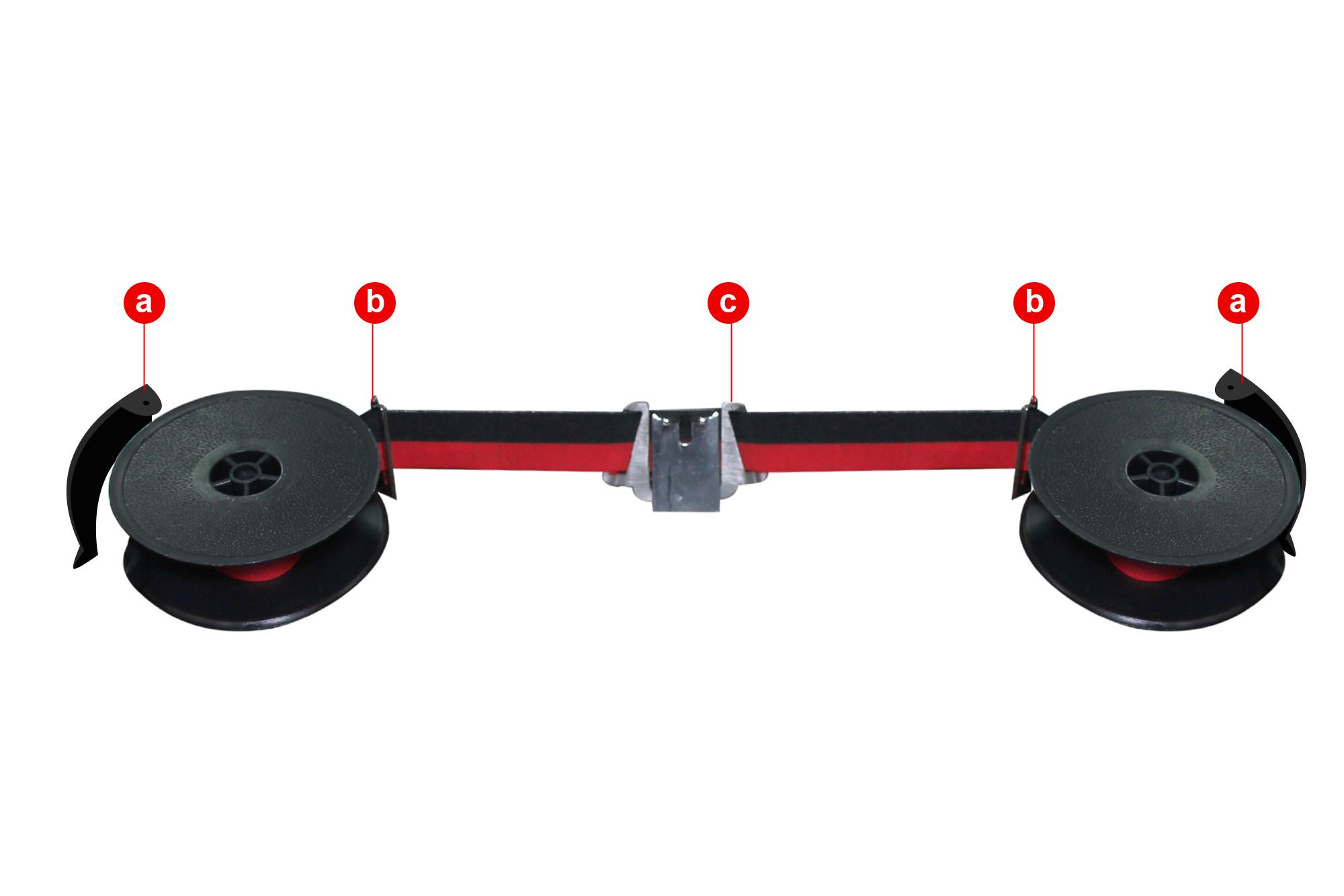
The exchange of the ribbon
Remove the upper housing (17). Wind used ribbon on one of the spools. Swing back ribbon brake (a) and remove spool from its holder. Fit new spool, ensuring that the driving pin of the holder is inserted in one of the holes in the spool. The black section of the ribbon must be to the top.
Insert ribbon as shown in illustration behind the two guides (b) and in the ribbon vibrator (c).